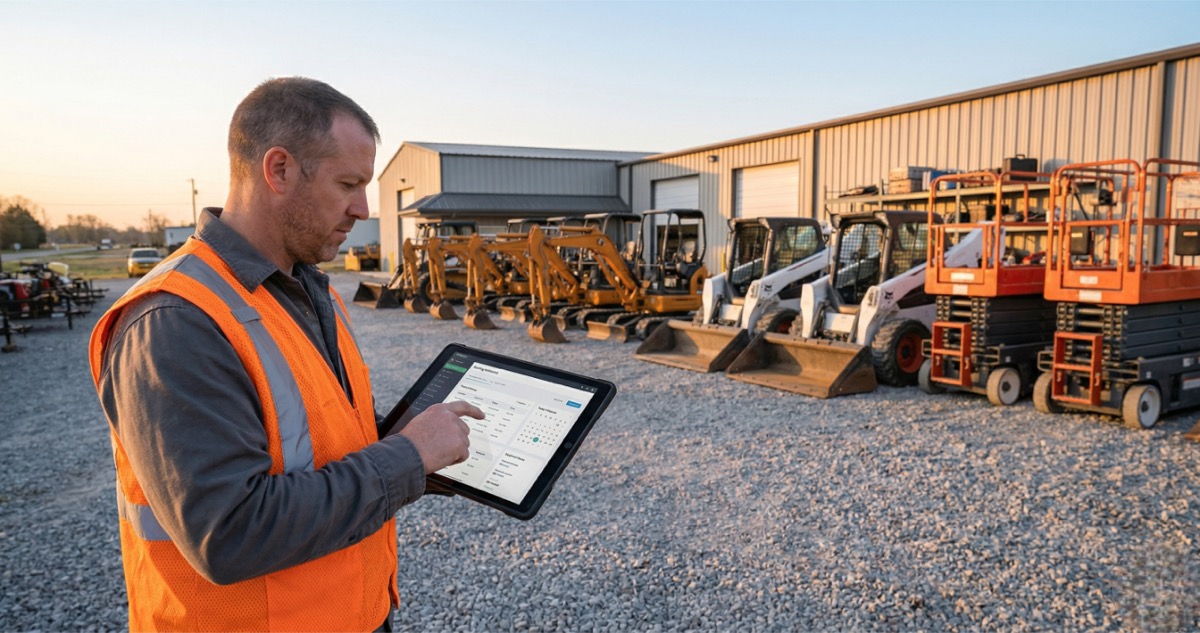
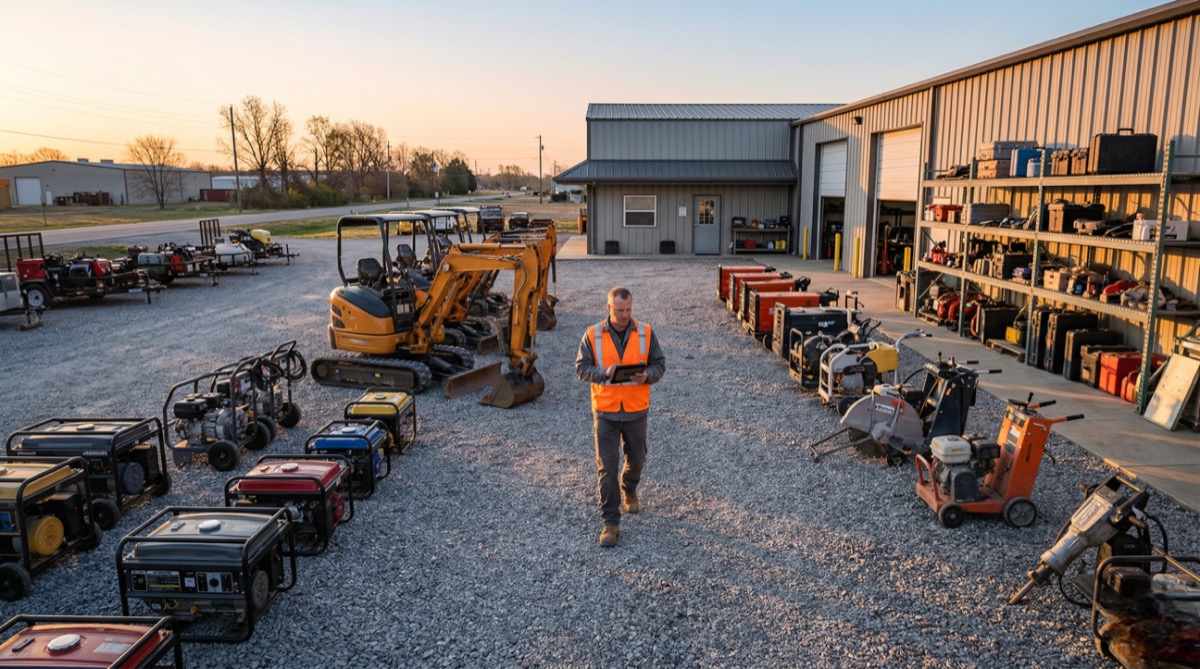
It’s 6 AM on a Monday. A contractor calls asking where the generator is.
- Your spreadsheet says “returned”
- Your driver says it’s still on the Johnson site
- The last contractor swears he dropped it off Friday
Nobody knows where a $4,000 piece of equipment actually is. This guide breaks down how to set up rental equipment inventory tracking that actually works — so you always know where your equipment is and who has it.
This guide covers:
- What poor tracking costs your rental business
- Why spreadsheets fail once you grow past a few items
- How to build a tracking system that actually works
- Scanning and GPS tools for knowing where everything is
- Maintenance tracking so equipment is always rent-ready
- Software that fits a small operation

What poor inventory tracking actually costs you
Lost equipment isn’t just an inconvenience. It’s a direct hit to your bottom line.
Equipment theft and damage alone cost U.S. rental companies an estimated $1 billion annually. But theft is only part of the problem. The everyday losses add up faster than any single stolen generator:
- Equipment sitting idle because nobody knows it’s available
- Double bookings because two people checked different systems
- Late returns that go unnoticed for days
According to a 2025 rental industry report, over 53% of rental businesses lose revenue due to equipment downtime, and 44.7% report missed billing as a major revenue leak. That’s money walking out the door because your tracking system can’t keep up with your operation.
The rental industry typically loses 3-5% of inventory value annually through theft, damage, and misplacement. For a small equipment rental business with $200,000 in fleet value, that’s $6,000-$10,000 a year gone — enough to buy another piece of revenue-generating equipment.
And then there’s the time cost. Seven out of ten rental companies report losing valuable time to inefficient processes, with most managing three to four disconnected systems. Every hour you spend hunting down a piece of equipment is an hour you’re not booking rentals, maintaining your fleet, or growing your business.
Why spreadsheets and whiteboards fail rental businesses
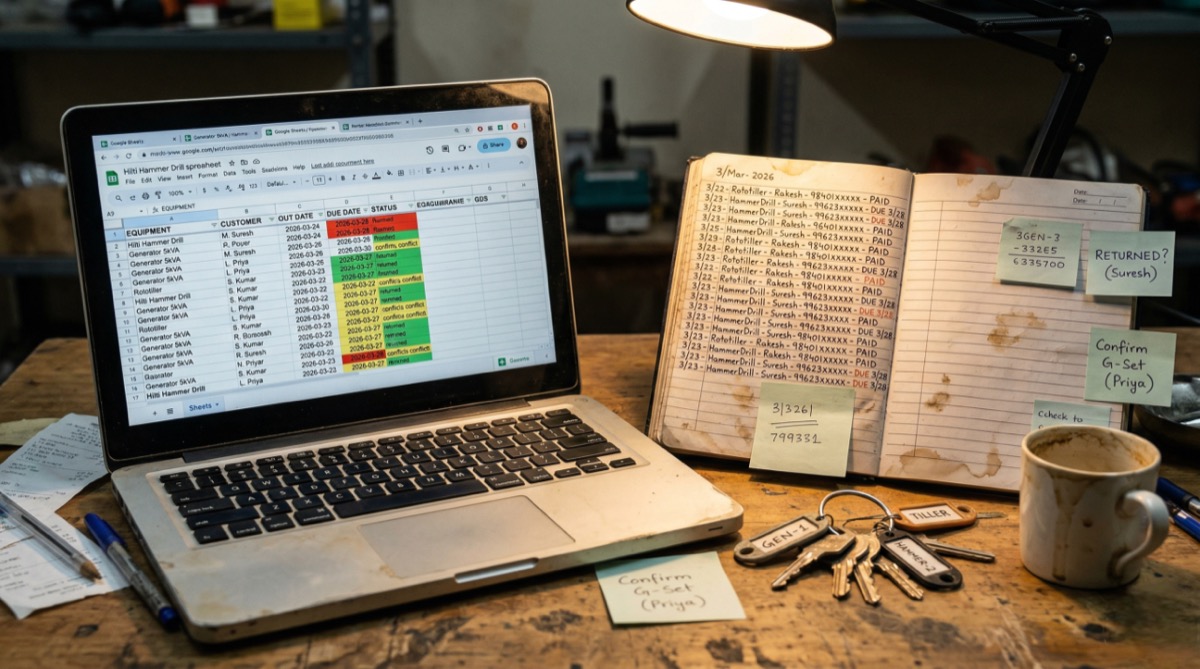
Almost every equipment rental business starts the same way. A Google Sheet with columns for item, status, and customer name. Maybe a whiteboard in the shop. A notebook in the truck. It works when you have five items and handle every booking yourself.
Then the problems start:
- Multiple booking channels, zero sync. You take a call and write it down. Your partner confirms a text and updates the spreadsheet. A customer messages on Facebook. Nothing talks to anything else, and suddenly two people are promised the same pressure washer on Saturday.
- No real-time updates. A customer returns a skid steer at 3 PM, but nobody updates the sheet until the next morning. That’s 18 hours where a rentable piece of equipment looks unavailable.
- Status guesswork. Is that trailer “returned” or “returned but needs a new tire”? Spreadsheets don’t distinguish between “back in the yard” and “ready to rent.” You send out equipment that needs repair, and now you’ve got a safety issue and an angry customer.
- No accountability trail. When something goes missing, a spreadsheet can’t tell you who had it last, when it was checked out, or whether the return was actually logged. You’re left making phone calls and hoping someone remembers.
The operators who say spreadsheets work fine usually have a small fleet and do everything themselves. The moment you add a second person, a second location, or a tenth piece of equipment, manual tracking becomes a liability.
Set up a rental equipment inventory tracking system that works
Whether you use software or a structured manual process, your rental equipment inventory tracking system needs to answer three questions at any moment: What do I have? Where is it? Is it ready to go out?
Give every item a unique ID
Label every piece of equipment with a unique identifier — not just “generator” but “GEN-003.” Use asset tags, engraved plates, or printed labels. When a customer books, they’re reserving a specific unit. When something comes back damaged, you know exactly which one it is and who had it.
Create a single source of truth
Pick one system where all equipment status lives. Not a spreadsheet and a whiteboard and your text messages. One place. If it’s not in the system, it doesn’t exist. Everyone on your team checks it, updates it, and trusts it. This single rule eliminates most tracking failures.
Log every movement
Every checkout, every return, every transfer between sites — logged with a timestamp and a name. This creates an accountability chain. When a piece of equipment goes missing, you don’t have to guess. You check the log and see exactly where the trail ends.
Build in buffer time
A mini excavator rented Monday through Wednesday isn’t available Thursday morning — not if you need time to inspect it, clean it, and refuel it. Build turnaround windows into your availability. If a rental ends Wednesday at 5 PM, block Thursday morning for inspection and prep.
Ready to track your rental fleet without the headaches?
No credit card required.
Use scanning and GPS to know where everything is
Once your fleet grows beyond what you can track by memory, physical tracking tools become essential. The good news: you don’t need expensive enterprise systems. A smartphone and some labels can get you surprisingly far.
QR codes: the easiest starting point
QR codes are the most accessible option for small equipment rental businesses. Each code can hold up to 4,296 alphanumeric characters — enough for item name, serial number, purchase date, and maintenance notes. Print them for a few cents each and stick them on every piece of equipment.
When a customer picks up a concrete saw, you scan its QR code. When they return it, scan again. Your system logs the checkout time, return time, and condition notes without anyone typing a thing. That alone eliminates the most common source of tracking errors: forgetting to update the spreadsheet.
Barcodes for high-volume operations
If you’re processing a lot of check-ins and check-outs — think tool rental shops with hundreds of small items — barcode scanning with a handheld scanner is faster for batch processing. The tradeoff: you need dedicated scanning hardware, while QR codes work with any phone camera.
GPS for high-value equipment
For expensive items that leave your yard — generators, scissor lifts, trailers — GPS trackers provide continuous location monitoring. Devices cost $50-$200 each plus a monthly connectivity fee, but they pay for themselves the first time you locate a “lost” piece of equipment sitting on a job site two towns over.
GPS also gives you geofencing — automatic alerts when equipment leaves a designated area. If a rented excavator suddenly shows up 50 miles from the job site it’s supposed to be on, you know immediately.
Track maintenance so equipment is always rent-ready
Nothing kills your reputation faster than sending out equipment that breaks on the job. And nothing wastes more rental days than discovering a piece of equipment needs repair only when a customer is waiting to pick it up.
Log every inspection and repair
For each piece of equipment, track: last inspection date, what was found, what was repaired, and who cleared it for rental. This isn’t busywork — it’s the difference between sending out a reliable piece of equipment and sending out a liability. Rental companies that implement preventive maintenance programs see significantly less unplanned downtime than those that wait for things to break.
Set maintenance triggers
Don’t wait until something fails. Set triggers based on:
- Usage hours — service after every 50 or 100 rental hours
- Rental count — inspect after every 10 rentals
- Calendar time — monthly checks regardless of usage
- Seasonal prep — full fleet inspection before your peak season
Separate “returned” from “rent-ready”
This is where most manual systems fail. A piece of equipment that just came back from a job site isn’t ready to go out again. It needs inspection, cleaning, and possibly repair. Your tracking system needs at least three statuses:
- Rented — currently out with a customer
- Returned (needs inspection) — back in the yard but not yet cleared
- Available — inspected, cleaned, and ready to rent
Anything less, and you’ll send out equipment that isn’t ready.

Pick equipment rental software that fits a small operation
At some point, labels and spreadsheets hit a ceiling. When you’re managing 15+ items across multiple customers and job sites, equipment rental software takes over the parts that humans get wrong — real-time availability, automatic conflict prevention, and instant status updates.
What matters for equipment inventory management
Not every platform fits a small rental operation. Here’s what to prioritize:
- Real-time availability — when someone books a pressure washer, it’s immediately blocked for that date range. No manual update needed.
- Per-unit tracking — assign specific pieces of equipment to specific bookings. Track individual maintenance history, condition, and utilization.
- Check-in/check-out logging — automatic timestamps when equipment goes out and comes back. No more “I forgot to update the sheet.”
- Maintenance scheduling — flag equipment for service based on usage, time, or condition. Keep items that need repair off the available list automatically.
- Multi-channel booking — whether customers call, text, or book online, everything goes into one system.
How LendControl handles it
LendControl is built for small rental businesses. You manage your entire equipment fleet from one dashboard — availability, bookings, maintenance status, and customer details in one place.
Your customers can even check equipment availability through WhatsApp. They send a message like “Do you have a pressure washer available next Tuesday?” and get an instant answer pulled from your live inventory. No phone tag. No waiting for you to check a spreadsheet and text back.
That WhatsApp availability feature matters most during your busiest days, when you’re on a delivery and can’t answer every call. Customers get immediate answers, and your equipment inventory stays accurate without you touching anything.
Frequently asked questions
What is the best way to track rental equipment for a small business?
Start by giving every piece of equipment a unique ID and using a single system to log all checkouts, returns, and maintenance. QR code labels scanned with a smartphone are the most cost-effective starting point. As your fleet grows past 10-15 items, equipment rental software with real-time availability tracking becomes essential to prevent double bookings and missed returns.
How much does lost equipment cost rental businesses?
The rental industry typically loses 3-5% of inventory value annually through theft, damage, and misplacement. For the U.S. rental industry overall, equipment theft and damage costs an estimated $1 billion per year. Beyond direct losses, there’s the revenue you miss when available equipment sits idle because your tracking system doesn’t show it’s back.
Should I use QR codes or barcodes for rental equipment tracking?
For most small equipment rental businesses, QR codes are the better choice. They’re cheaper to produce, store more data, and can be scanned with any smartphone — no dedicated hardware needed. Barcodes are better for high-volume operations (like tool rental shops) where you’re processing dozens of check-ins per hour with a handheld scanner.
How often should rental equipment be inspected?
Inspect every piece of equipment when it returns from a rental — before marking it as available. Beyond return inspections, set up recurring maintenance based on usage hours or rental count (e.g., full service every 50 hours or 10 rentals). Run a complete fleet inspection before your peak season to catch issues while you have time to fix them.
When should I switch from spreadsheets to rental software?
The tipping point for most operators is around 10-15 active pieces of equipment, or when you have more than one person managing bookings. If you’ve had a double booking, lost track of a return, or sent out equipment that needed repair, your manual system is already failing. Equipment rental software pays for itself by preventing even one or two of those incidents per month.
Stop guessing, start tracking
Rental equipment inventory tracking doesn’t have to be complicated. It starts with the basics — unique IDs, a single source of truth, and logging every movement. Add QR scanning when manual entry gets unreliable. Layer in maintenance tracking so nothing goes out broken. And when your fleet outgrows what a person can keep in their head, switch to equipment rental software that handles the real-time tracking for you.
- Unique IDs and a single system for every piece of equipment
- QR codes or GPS for physical tracking as your fleet grows
- Maintenance triggers so nothing goes out broken
- Switch to rental software when manual methods stop keeping up
The operators who get this right are the ones who grow without chaos. They know where every piece of equipment is, what condition it’s in, and who has it booked — and they spend their time booking rentals instead of hunting down lost inventory.