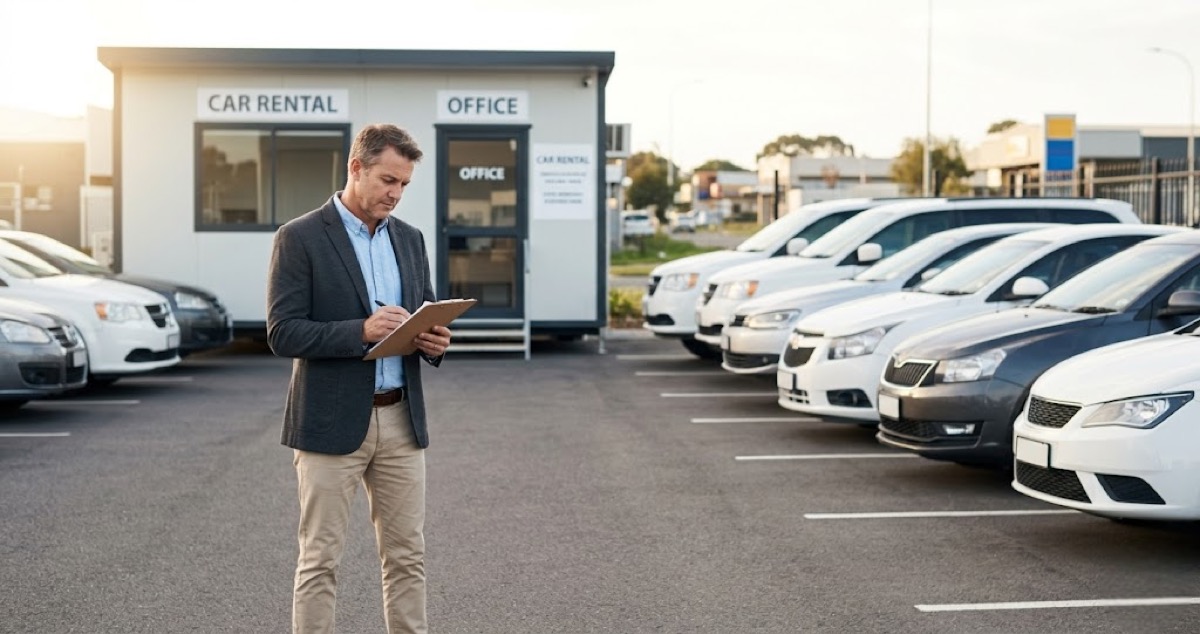

A customer shows up at 10 a.m. to pick up a Toyota Camry they booked two weeks ago. The problem: that same Camry went out yesterday on a last-minute walk-in rental, and it is not coming back until tomorrow. You are standing in your lot with an angry customer, no backup vehicle, and a refund to process.
This is what happens when car rental fleet management runs on memory, sticky notes, or a spreadsheet that three people update at different times. Double bookings are not just embarrassing — they cost you:
- The rental fee — revenue lost on a booking you cannot fulfill
- A potential repeat customer — one bad experience and they never come back
- Whatever you spend making it right — free upgrades, refunds, or competitor referrals
The fix is not complicated. It is a combination of:
- Real-time availability tracking — know where every vehicle is, right now
- Structured vehicle turnaround processes — cleaning, inspection, and status updates between rentals
- A car rental management system — that blocks a vehicle the instant it is booked
Here is how to set that up.

The double booking problem is costing you more than you think
Double bookings are the most common operational failure in small car rental businesses. And the financial impact goes well beyond the single lost rental.
When you double-book a vehicle, here is what you actually lose:
- The rental revenue — the booking you cannot fulfill. For a mid-size sedan at $50–$80/day, that is real money walking out the door.
- The customer — research from PwC shows that 32% of customers stop doing business with a brand after just one bad experience. A double booking qualifies.
- Compensation costs — whether you upgrade them for free, cover an Uber, or offer a discount on the next rental, you are paying to fix a mistake that should not have happened.
- Review damage — one-star Google reviews from double-booking incidents stick around for years. 98% of consumers read online reviews before choosing a local business, so even a few bad reviews can significantly reduce your bookings.
The root cause is almost always the same: no single source of truth for vehicle availability. Someone checks the calendar, someone else checks a text thread, a third person remembers what was promised over the phone. The moment your fleet exceeds five vehicles, this system fails.
Build a fleet management system that actually works
Effective car rental fleet management does not require a massive technology investment. It requires three things working together: a centralized booking system, a defined vehicle status workflow, and consistent processes for every handoff.
Centralize all bookings in one place
Every reservation — whether it comes from your website, a phone call, a walk-in, or a WhatsApp message — must land in a single system. The moment a booking is confirmed, that vehicle is blocked for the full rental period plus turnaround buffer time.
This is where most small operators break down. They take a phone booking and forget to update the spreadsheet. Or they accept a walk-in without checking what is already reserved for tomorrow.
Define clear vehicle statuses
Every car in your fleet should be in exactly one status at all times:
- Available — clean, inspected, ready for the next renter
- Reserved — booked for a future date, blocked from other reservations
- Out — currently with a renter
- Returning — expected back today, not yet checked in
- In turnaround — returned but not yet cleaned, inspected, or refueled
- In maintenance — out of the rental pool for repairs or scheduled service
If you cannot tell the exact status of every vehicle in your fleet within 30 seconds, your system needs work.
Track every vehicle in real time
Knowing where your vehicles are and when they are coming back is fundamental to running a car rental business without surprises. There are two levels of tracking, and both matter.
Booking-level tracking
This is the minimum. Your car rental management system should show you, at a glance, which vehicles are booked, which are available, and which are due back today. When a customer returns a car, the status updates immediately — not after someone remembers to change a cell in a spreadsheet.
GPS and physical tracking
For fleets of 10+ vehicles, GPS tracking adds a layer of protection. GPS tracking reduces unauthorized use and improves fleet visibility. GPS also helps with:
- Locating overdue vehicles — when a renter is two days late and not answering calls, you need to know where the car is.
- Geofencing — set boundaries for where the vehicle can go. Get alerts if a renter takes a car across state lines when the contract says in-state only.
- Mileage verification — compare actual mileage driven against what the odometer shows at return to catch discrepancies.
Basic GPS tracking devices cost $8.35–$9.65/month per device from providers like Bouncie. For a 15-car fleet, that is $125–$145/month (15 × $8.35–$9.65) — a cost that pays for itself the first time you recover a late vehicle or catch unauthorized use.
Key management
Lost or unreturned keys are a surprisingly common headache. A simple key lockbox system with numbered hooks — one per vehicle — and a checkout log eliminates most key-related issues. Electronic key boxes log every key checkout automatically and start at around $1,500.
Schedule maintenance before it becomes an emergency
A car sitting in the shop is a car earning zero revenue. But a car that breaks down mid-rental is worse — it costs you the tow, the repair, an angry customer, and potentially a liability issue.
The average annual maintenance cost for a rental vehicle runs $1,200–$1,800 per car depending on make, model, and mileage. That includes oil changes, tire rotations, brake inspections, and fluid top-offs.
Here is how to keep maintenance from disrupting your fleet:
- Track mileage per vehicle, not just dates. A car doing 3,000 miles/month needs service far more often than one doing 800. Set maintenance triggers at mileage intervals (every 5,000–7,500 miles for oil changes).
- Build a buffer into your fleet. If you need 10 cars available daily, own 12–13. The extra 2–3 vehicles rotate through maintenance without leaving you short.
- Block maintenance windows in your booking system. Treat scheduled service like a reservation — block the car for that half-day or full day so it cannot be booked.
- Keep a maintenance log per vehicle. Every oil change, tire rotation, brake replacement, and inspection gets logged with date, mileage, and cost. This data tells you when a vehicle is costing more to maintain than it earns.
When a vehicle’s annual maintenance cost exceeds 50% of its annual rental revenue, it is time to retire it from the fleet and replace it with a newer unit.
Reduce turnaround time between rentals
Turnaround time — the gap between when one renter returns a car and when the next one drives off — is where small car rental businesses lose the most bookable hours. Well-run independent operations aim for the shortest turnaround possible, but many small operators take 6–8+ hours because the process is not standardized.
Every hour of turnaround is an hour that vehicle is not earning revenue. For a car renting at $60/day, a 4-hour turnaround delay on each rental across a 15-car fleet adds up to thousands in lost revenue monthly.
Standardize your return-to-ready process
Build a checklist that every vehicle goes through between rentals:
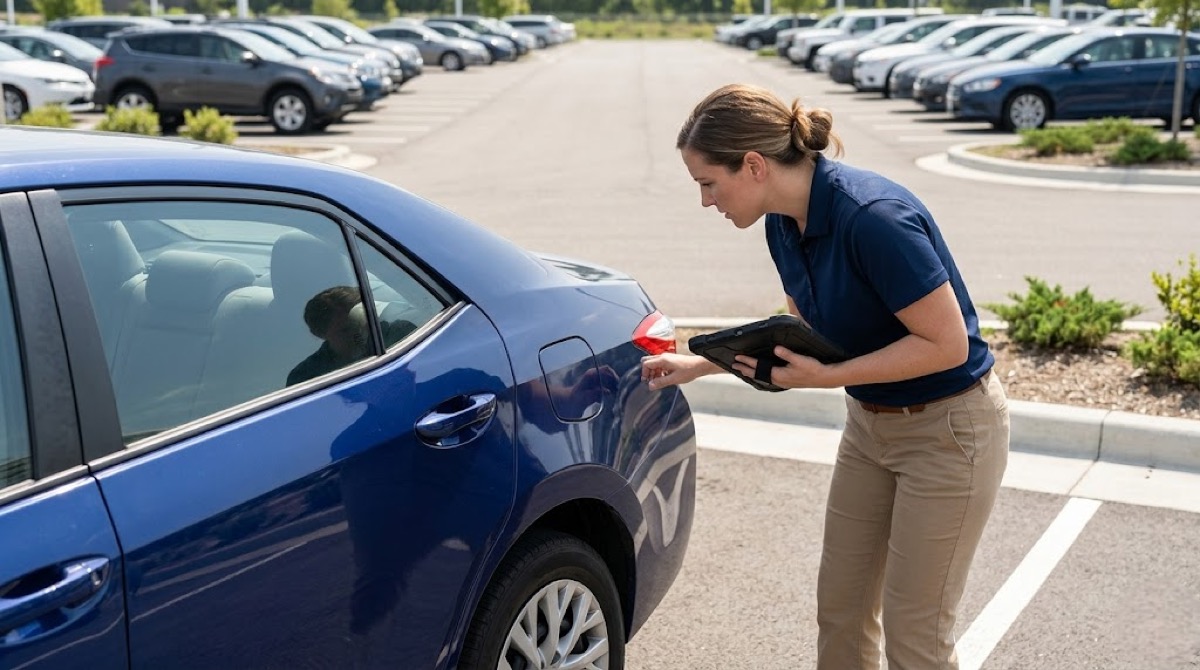
- Check-in inspection — walk around with photos, note any new damage, record fuel level and mileage. Takes 5–10 minutes.
- Interior clean — vacuum, wipe surfaces, empty trash, check under seats. 15–20 minutes for a standard clean.
- Exterior wash — quick wash or wipe-down. 10–15 minutes.
- Refuel — if the renter did not return it full, refuel and charge accordingly. 10–15 minutes if a gas station is nearby.
- Spot check — tires, lights, fluids, windshield. 5 minutes.
- Status update — mark the vehicle as “Available” in your system immediately.
A disciplined team can turn a vehicle in 60–90 minutes. The key is doing steps in parallel when possible and updating the vehicle status the moment it is ready — not at the end of the shift.
What to look for in car rental software
You do not need enterprise fleet management software built for national chains. You need a car rental management system that handles the basics well: real-time availability, booking management, customer records, and payment tracking.
Here is what matters most for a small car rental business:
- Real-time availability blocking — when a car is booked, it disappears from available inventory instantly. This is the single most important feature for preventing double bookings.
- Calendar view per vehicle — see every car’s schedule at a glance. Know what is going out tomorrow, what is coming back today, and what is open next week.
- Customer records and rental history — know who rented what, when, and whether they returned it on time and in good condition.
- Digital contracts and waivers — signed before pickup. Saves time and protects you legally.
- Payment collection — deposits, full payments, and damage charges handled in one place.
LendControl is built for exactly this kind of operation. One feature that saves car rental owners serious time: WhatsApp AI availability checks. A customer sends a message like “Is the Toyota Camry available this weekend?” and gets an instant answer pulled from your live inventory. No forms, no phone tag, no checking a spreadsheet and texting back 20 minutes later.
For a car rental business handling 15–30 availability inquiries a day, that is hours of back-and-forth eliminated every week.
Frequently asked questions
What causes double bookings in car rental businesses?
The most common cause is not having a centralized booking system. When reservations come in through phone calls, walk-ins, WhatsApp messages, and email — and each one is tracked separately — conflicts are inevitable. A single system that blocks a vehicle the moment it is booked eliminates the overlap.
How many vehicles should a small car rental business start with?
Most small operators start with 5–15 vehicles. Starting with fewer than 5 limits your ability to serve multiple customers and absorb vehicles being in maintenance. Starting with more than 15 before you have demand data risks over-investing. Scale based on actual utilization rates after your first 3–6 months.
How much does car rental fleet management software cost?
For small operations, car rental software typically runs $30–$150/month depending on fleet size and features. Look for software that charges based on fleet size, not per-booking, so costs stay predictable as volume grows.
How do I reduce vehicle turnaround time between rentals?
Standardize the return-to-ready process with a checklist: check-in inspection, interior clean, exterior wash, refuel, spot check, and status update. A trained team can complete this in 60–90 minutes. The biggest time savings come from starting the turnaround immediately on return — not batching all returns at end of day.
Should I use GPS tracking for my rental fleet?
GPS tracking is worth the investment for fleets of 10+ vehicles. At $8.35–$9.65/month per device, it pays for itself through reduced late returns, lower unauthorized use, and faster vehicle recovery when issues arise. For smaller fleets, booking-level tracking in your management system may be sufficient.
Run your car rental fleet without the chaos
Good car rental fleet management comes down to three things: a single source of truth for every booking, clear vehicle status tracking, and a fast turnaround process between rentals. Get those right, and double bookings stop. Maintenance surprises drop. Turnaround time shrinks. Revenue per vehicle goes up.
You do not need a massive technology overhaul. You need a system that blocks vehicles instantly when they are booked, shows you the status of every car in your fleet at a glance, and lets customers check availability without waiting for a callback.
Start with your process. Fix the gaps. Then put the right car rental software behind it.